
Click on your name in the top right corner and then on “User Profile” to change your personal details or password.
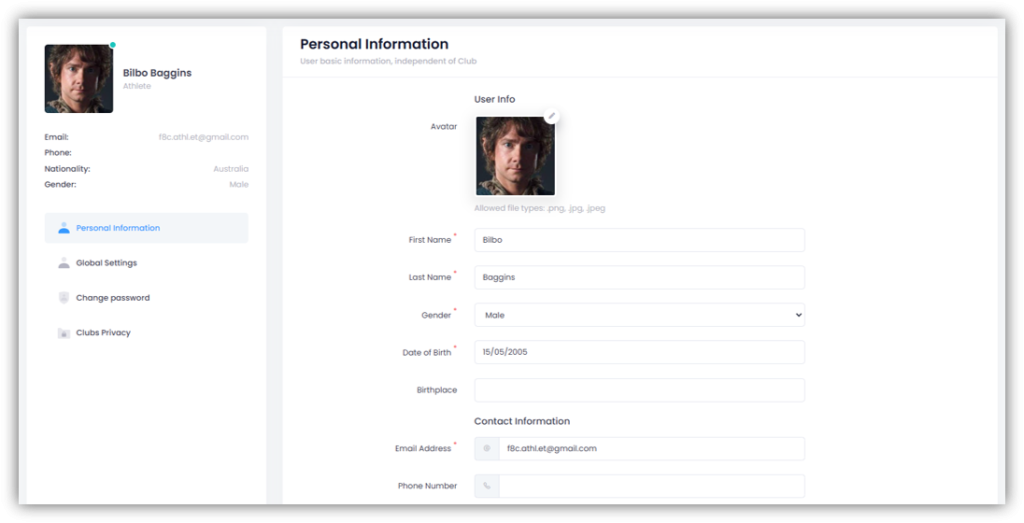
Personal Information
Here you can enter or edit your personal information. If you want to change your email address, simply enter your new email address and click “Save”. You’ll then receive a verification email at your new address. Click the confirmation link in the email to confirm your new email address.
You can also upload a profile picture here. Click the “pencil icon” in the top-right corner of the photo placeholder, select a photo, and click “Save”.
Global Settings
Here you can define the language of your account and the “name order”.
Change password
If you want to change your password, you must first enter your current password. Then enter a new password and confirm it. Finally, click on “Save”.
If you have forgotten your password, you can click on “Forgot Password?” and a password recovery email will be sent to you.
Clubs Privacy
Here you can specify which clubs are allowed to view your profile and which clubs can access your multi-club planning.